Finding an idea
Small scope, personal use
For this challenge, I wanted to make something fairly simple that I could complete in a day. As an avid film and TV watcher, I thought a personalized AI assistant that would help solve the problem of "what should we watch tonight?" would be a fun concept to explore. I explained my idea to ChatGPT with a very simple starting set of requirements:
1. Allows me to say what streaming services I have and limit results to what is on streaming if I want.
2. Asks me to write the first short review for something I really loved and adds that to my review collection. Allows me to continue to do this whenever I want.
3. Has a "what's on the tube tonight?" exploration feature that will look at my reflections so far and ask me in a few words to describe what kind of movie or tv show I want to watch.
4. Allows me to say (A) I want to watch (B) Watch later (C) I don't want to watch.
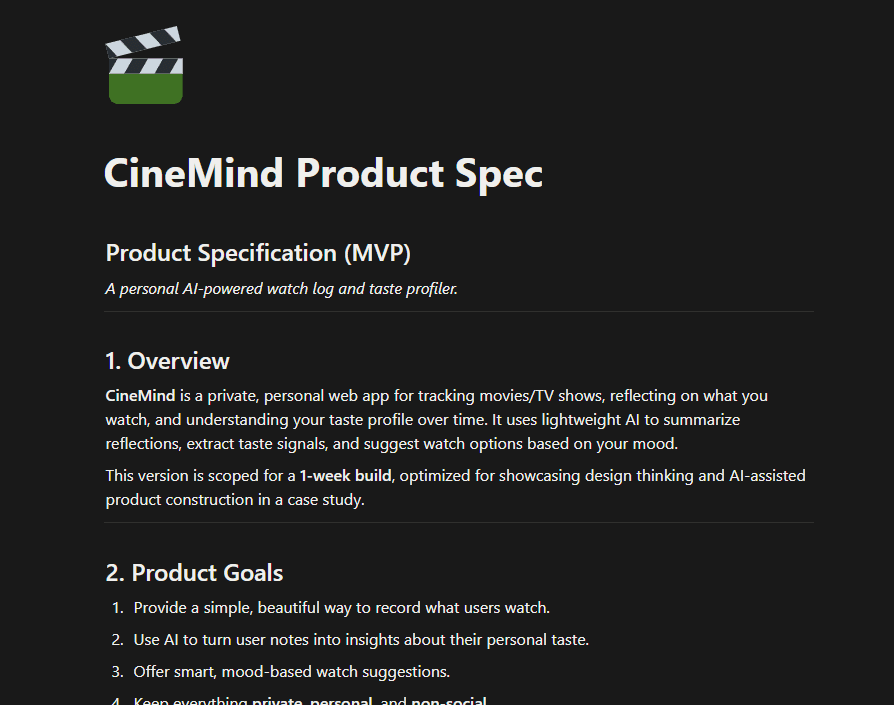
After a few more back and forth interactions with ChatGPT, I arrived at a full product spec that I copied into Notion.
User Flows and Wire Frames
Goal: Start at 80%, not 0%
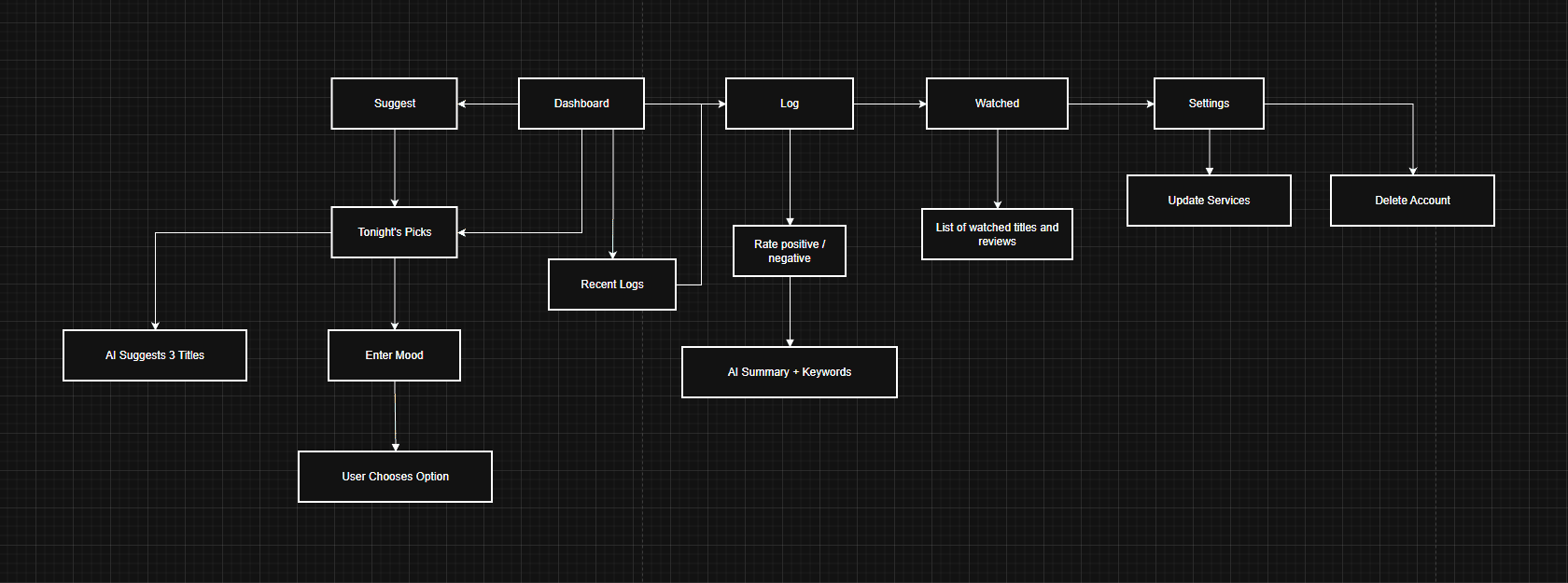
I asked ChatGPT to generate a user flow as a CSV document so I could import it into draw.io, which is a tool I use fairly often for diagraming. There were some wonky connections to sort out, but I got more or less what I expected, and it only took a couple minutes to clean up the diagram and make a few changes.
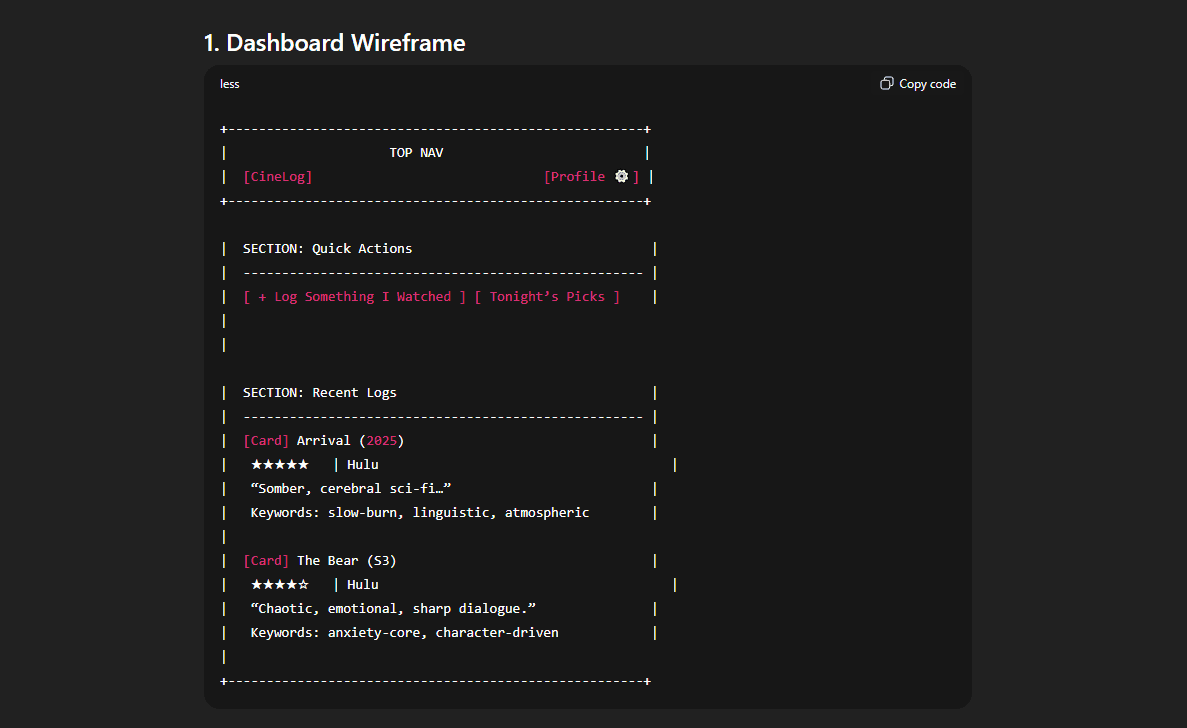
Next in my process, I'd want to start generating some wireframes of the key pages and start applying some constraints by picking a design system to work as my foundation. I work this way to ensure concepts are grounded in the same technology that engineering is building in. This is a critical touchpoint with engineering. Since this was a design challenge to explore new workflows, I skipped that step and asked ChatGPT to make me some wireframes in plain text. I then used a Figma plugin called Wireframe Designer to translate those text wireframes into Figma designs.
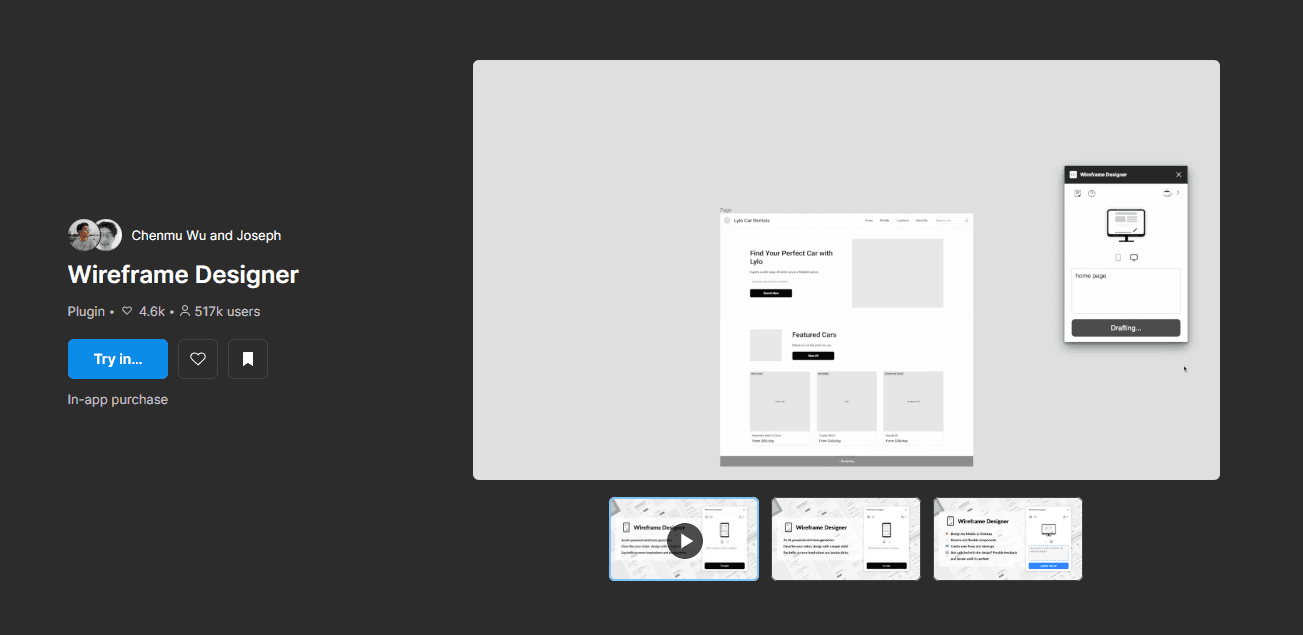
I was honestly shocked at how well this worked. Some of the output was pretty jank and required reworking, but I'm very fast in Figma, so it wasn't much of a hassle to get the wires in a reviewable format.
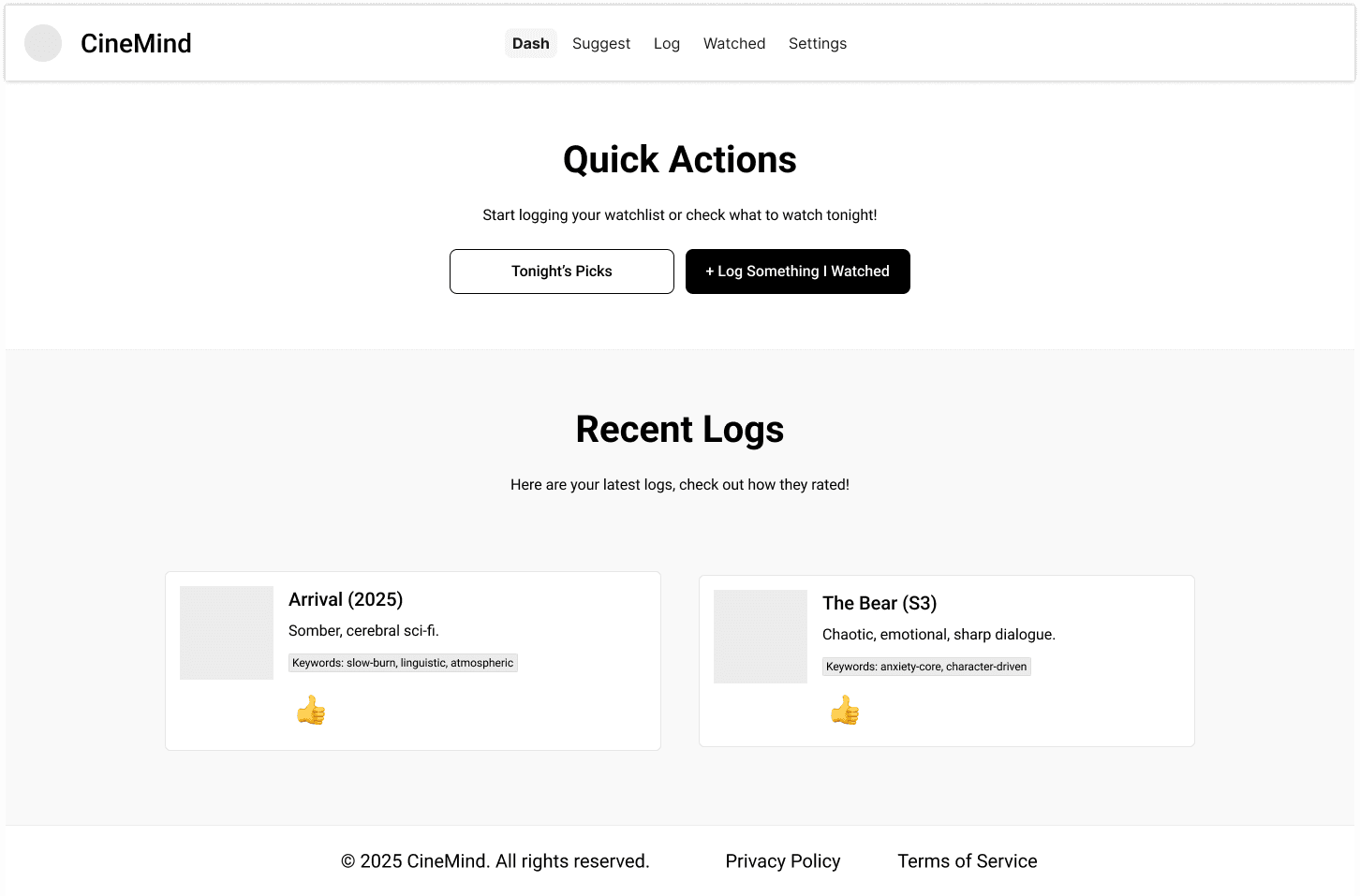
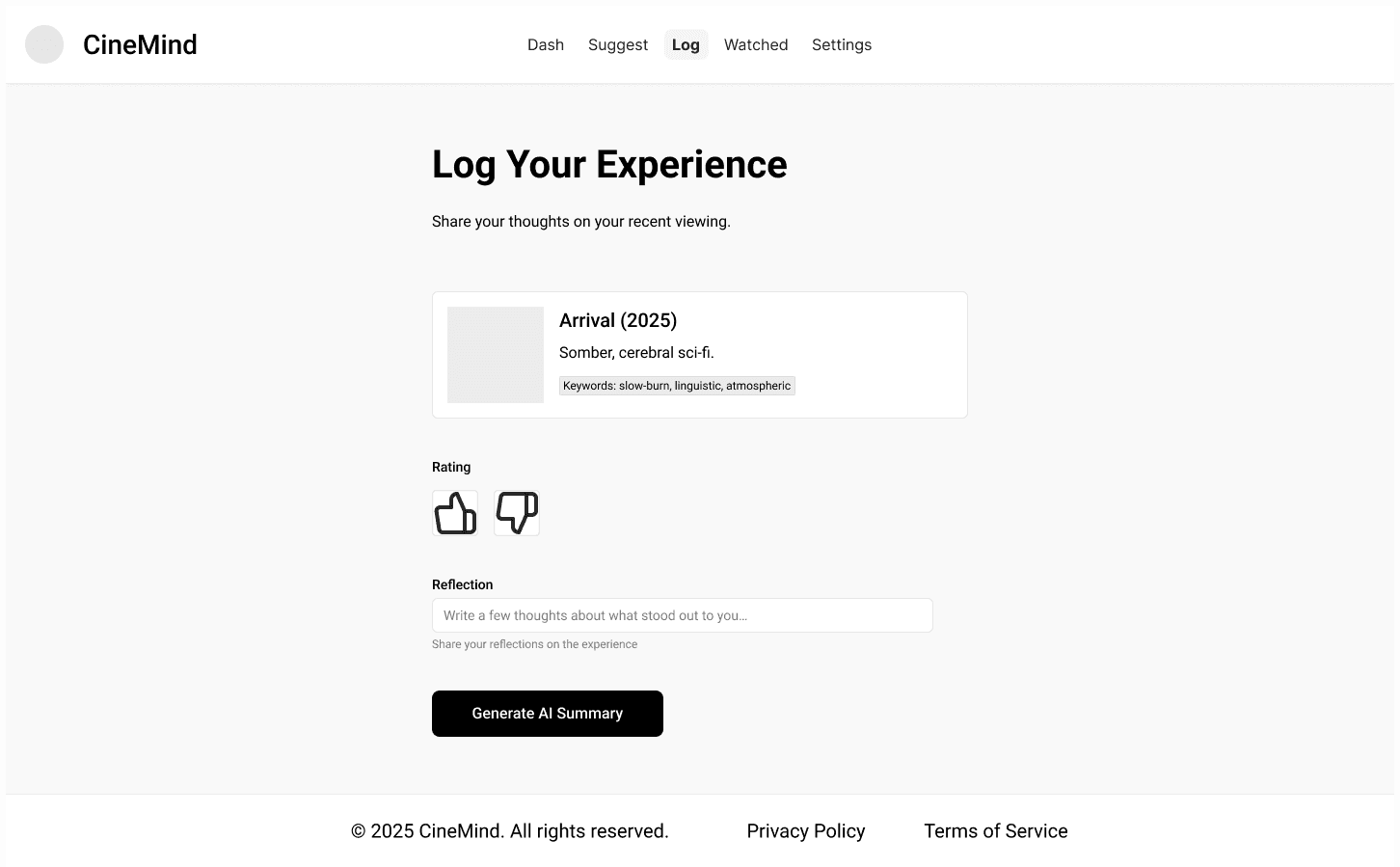
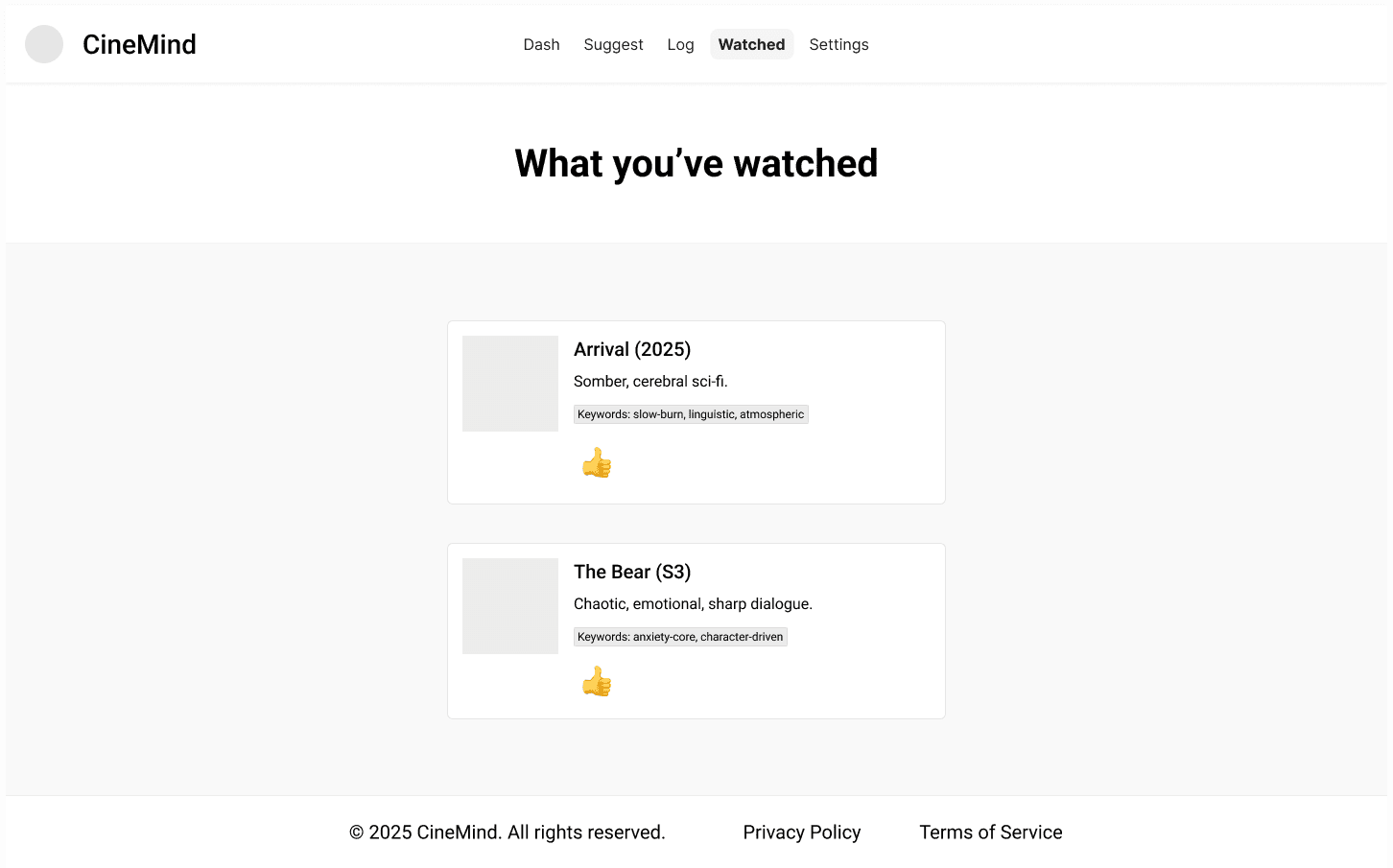

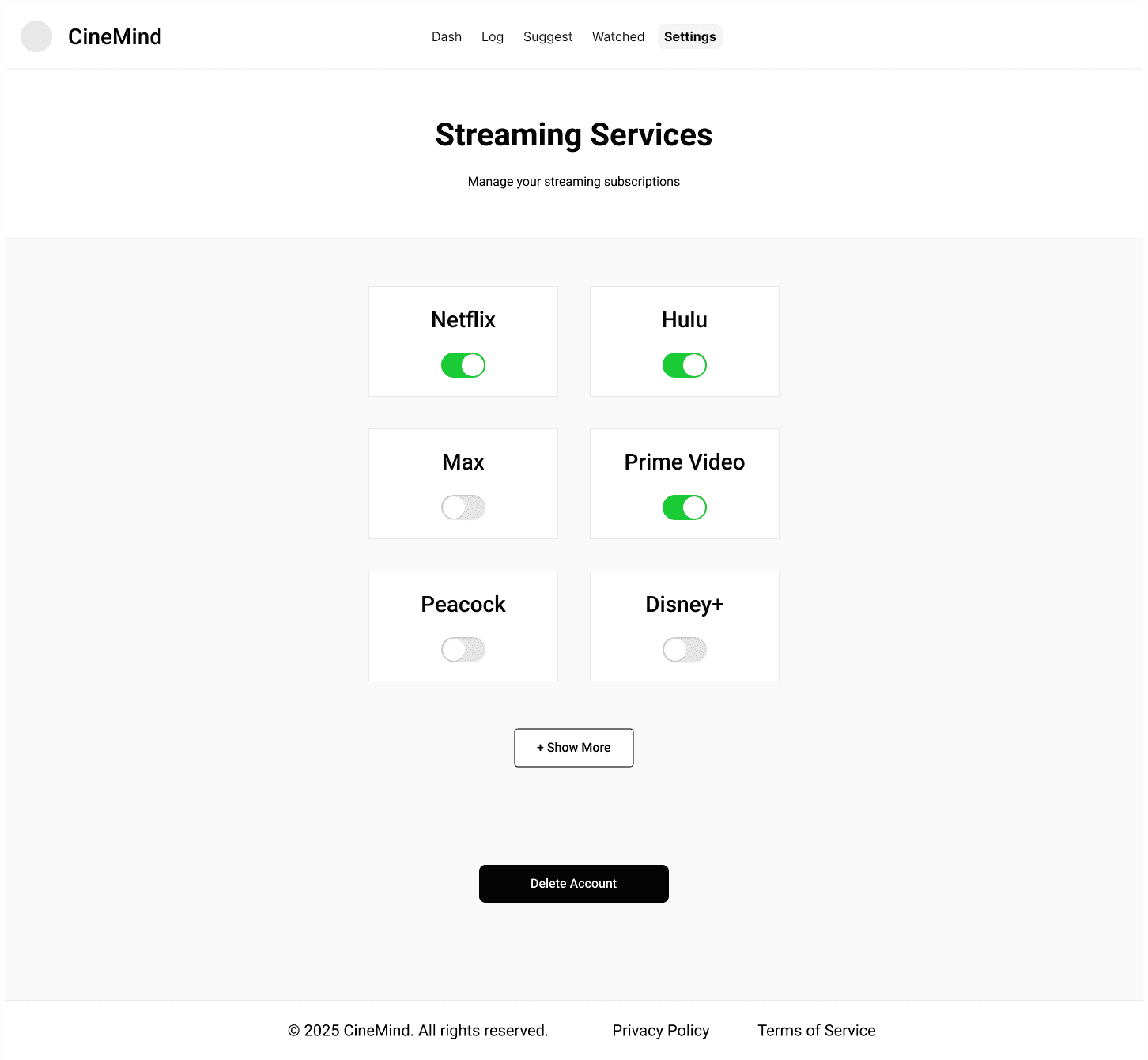
In my regular design process, I'd want to do some concept testing with these wireframes after presenting them internally for stakeholder buy in. Realistically, I'd generate a lot more ideas than what you see here by trying to come up with different ways to present key information and tweak the user flow. Once I had more confidence this was the right idea to push forward and had alignment with the team, I'd use these same Figma design and craft a higher fidelity series of mocks and a clickable prototype. This was a perfect opportunity to try a new approach with AI builder tool called Builder.io.
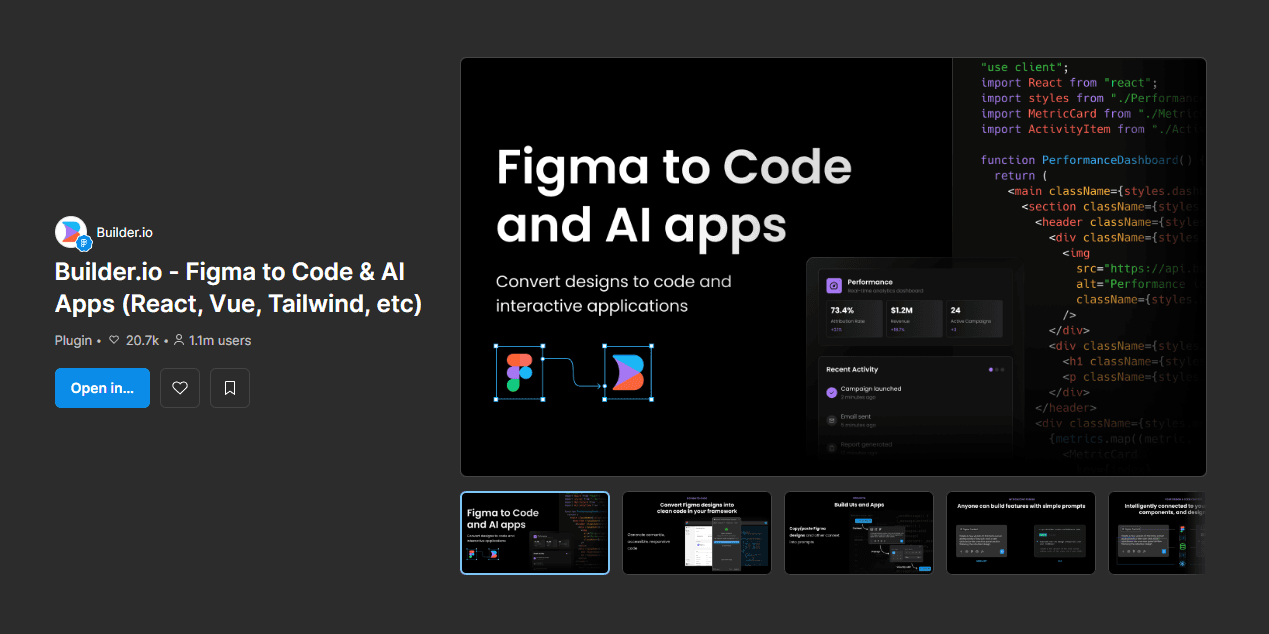
Like magic, I was able to use this plugin and select all my wireframes in Figma and generate a single text prompt that I could paste directly into the Builder.io prompt system.
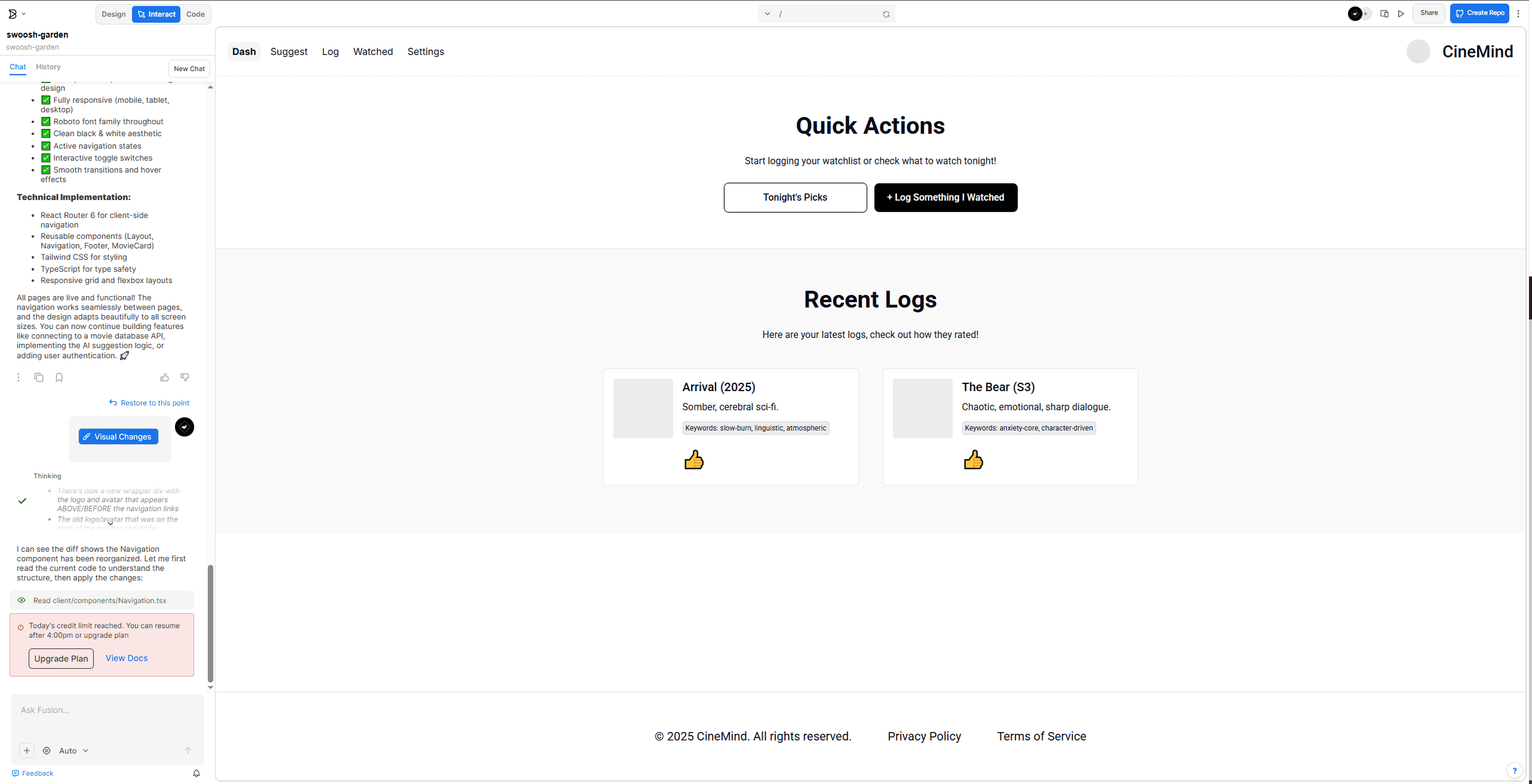
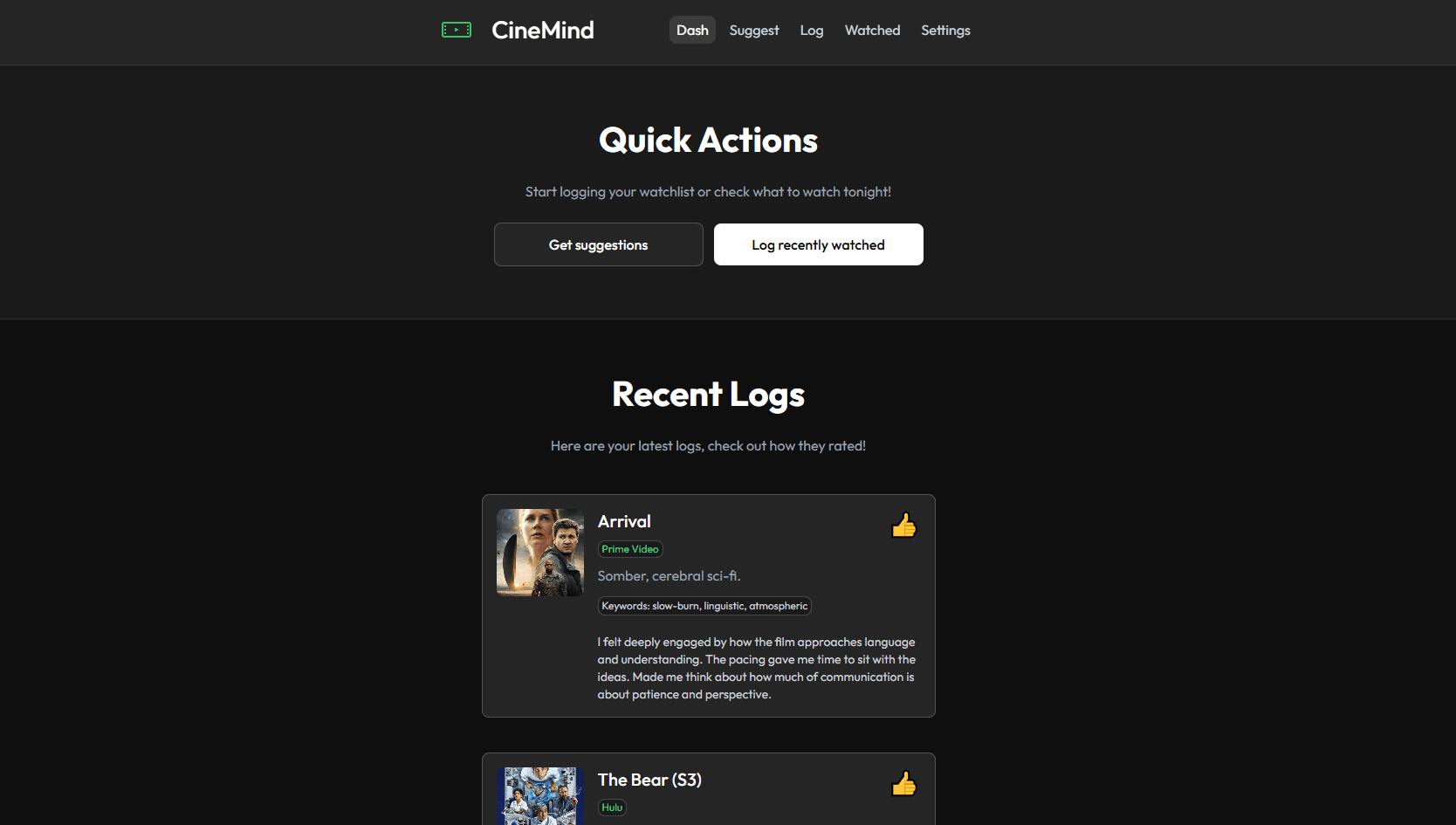
I quickly ran out of prompt credits and had to purchase a $30/month subscription to continue using the tool. I wanted to get the full experience here, so I entered my credit card information and got to vibe coding. It took all of 45 minutes to turn my wireframes into a higher quality deliverable. It was relatively painless to make quick variations and apply a a more cohesive look and feel.
Next steps
Optimizing my workflow and experimenting with more AI tools.
I skipped over some pretty essential steps of my process to complete this design challenge, and that's fine considering my main goal was to get some exposure to a modified AI workflow. While it is fairly easy to make modifications to designs in Builder.io, there were a decent number of changes that required careful prompting to fix something that would have taken me seconds to address in Figma. In the future I'll get better at identifying those sticking points and make modifications to the wireframes before importing to Builder.io.
If I was working at a mature product company, I'd want to use Cursor and leverage an existing design system to create code that could actually be used by engineering with the necessary modifications.